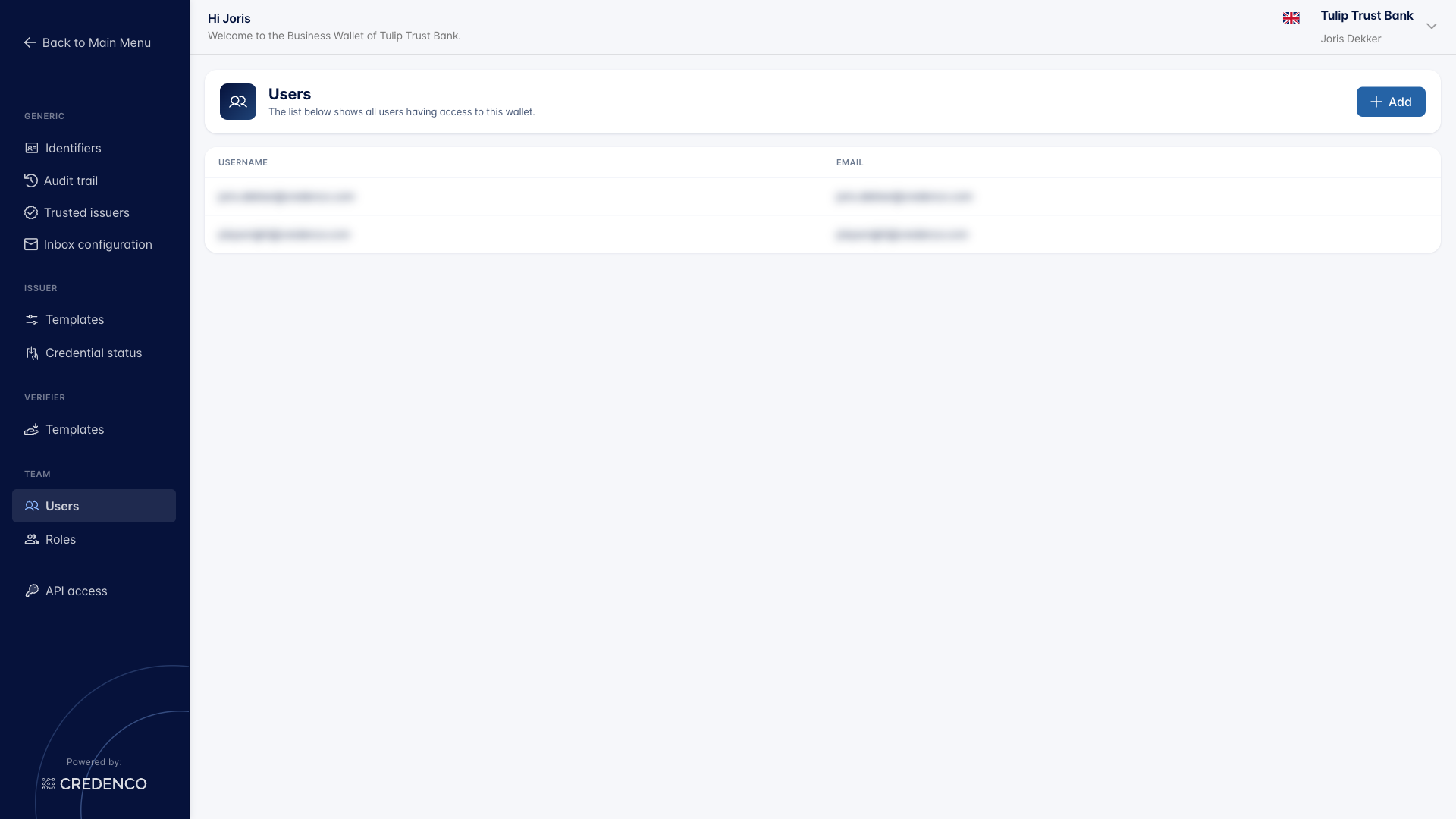
User Management Overview
The Business Wallet includes user and role management features that let you control who has access to your wallet and what they can do. You can add and remove users, assign roles, and configure permissions to match your organization's needs.
What can you manage under user management?
User management lets you control who can access your Business Wallet and what they're allowed to do once inside. From the Settings screen you can add or remove user accounts, create authorization roles with specific permissions and assign them to users, and help a locked-out user regain access with a password reset email.
- Manage users - Add, edit, and remove users who can access your wallet
- Manage roles - Create and configure authorization roles with specific permissions
- Send a password reset email - Help a user regain access to their account
How to access
- Open the left sidebar.
- Click Settings.
- Under Team, you will find Users, Roles, and API access.